
Start with a link
Paste a supported video link or send it to the app through Android’s share menu.
VIDEO SAVING. MEET HOME SCREEN.
Your supported videos, ready for offline moments. Save the media you’re allowed to keep, manage your files, and find your apps from one home screen.
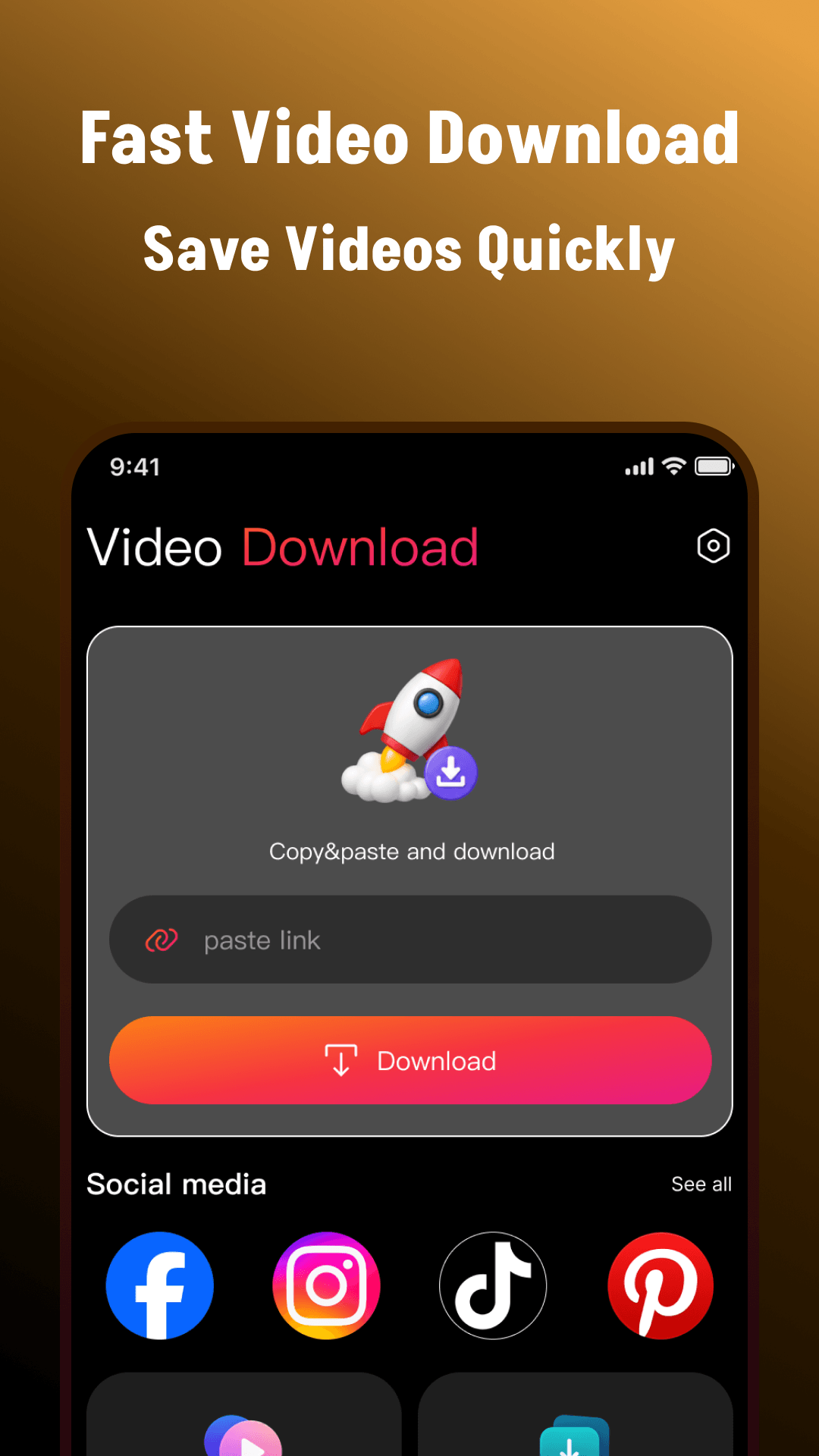
Supported video saving
Offline viewing
Optional home screen launcher
01 — THE EVERYDAY ESSENTIALS
From the first link to the next replay, keep the useful things within reach.
Paste a supported video link or send it to the app through Android’s share menu.
Save in HD when the original source offers it. The app does not increase a video’s resolution.
Check progress and find your completed files together in one place.
Open downloaded videos for offline viewing, whenever you want to revisit them.
Use the available file actions to share saved media or remove files you no longer need.
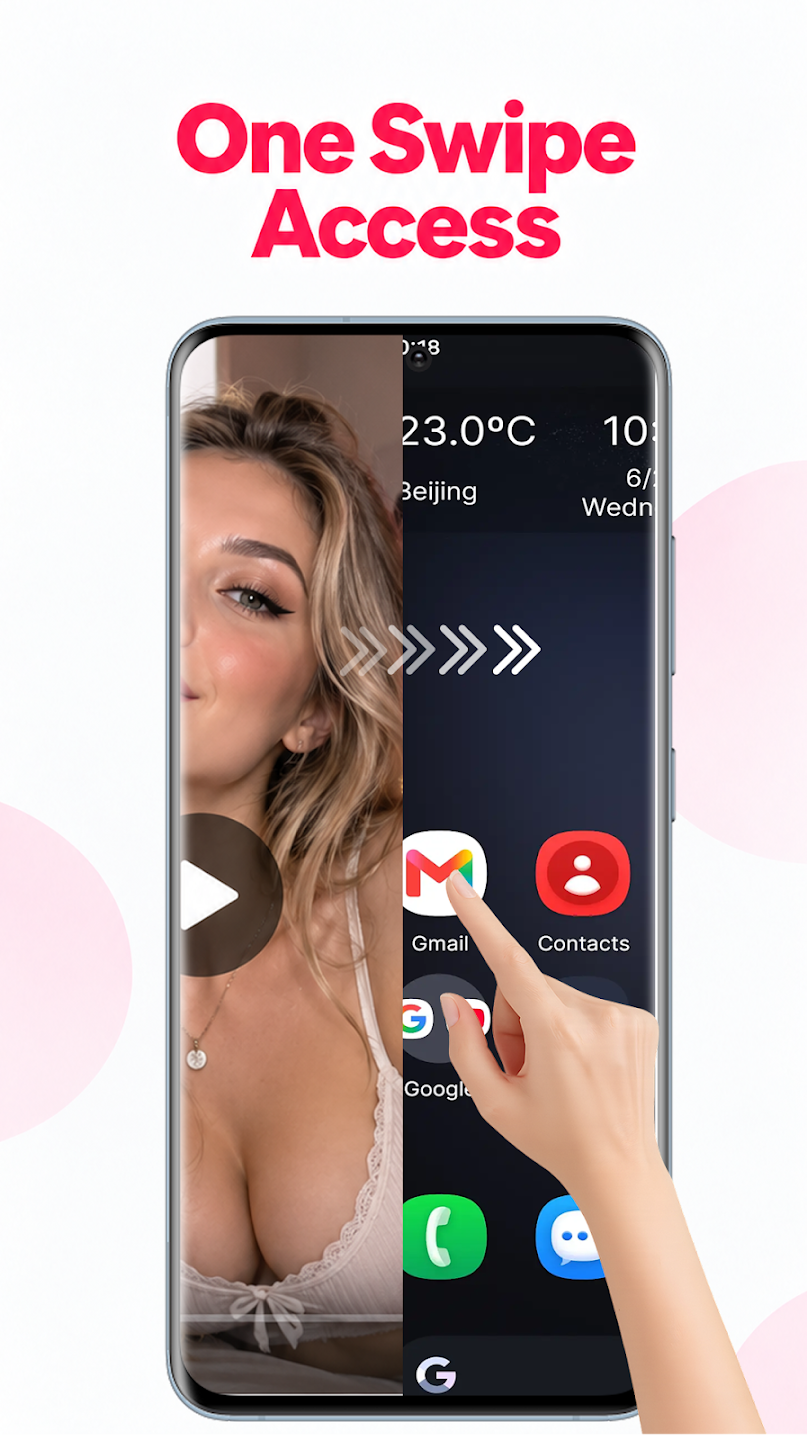
With the optional launcher, browse, search, and open installed apps from your home screen.
Meet the launcher02 — FROM LINK TO LIBRARY
Start with a supported link and content you have the right to download.
Read the download notesPaste it into HD Video Downloader or send it using Android’s share menu.
Review the available media and select the files you want to download.
Check progress, open completed videos offline, and manage your saved files.
03 — AN OPTIONAL NEW HOME
HD Video Downloader is also an Android launcher. Browse your app drawer, search by app name, and keep shortcuts close by, with access to the downloader from your launcher.
Select HD Video Downloader in Android’s default Home app settings.
Choose another launcher under Settings → Apps → Default apps → Home app. Menu names vary by device. Using the launcher as your default home screen is optional.
Installed-app information is used locally to display, search, and launch apps. The developer states that this information is not uploaded or shared with advertising or analytics partners.
04 — A LOOK INSIDE
Explore all three previews from Google Play. Select a screenshot to take a closer look.
A NOTE BEFORE YOU SAVE
Download only content you own, have permission to save, or are otherwise legally entitled to download. A publicly available video does not automatically give you permission to copy or redistribute it.
Support varies by website, link, and media format. Speed depends on your connection and the source. HD quality depends on the original video; the app does not upscale it.
The app does not bypass DRM, paywalls, private-account restrictions, or other access controls. HD Video Downloader is independent and is not endorsed by or affiliated with the websites or platforms whose links you use. Respect copyright, privacy, and the source service’s terms.
File and media access is used to save and manage downloads, subject to Android permissions. Notifications, when enabled, show download progress and completion. The app contains advertising. See the developer’s privacy policy for more information.
Read the privacy policy ↗HD VIDEO DOWNLOADER
Supported video saving. Offline viewing. An optional new home.